WAV vs FLAC: Same Sound, Different Suitcase
WAV and FLAC sound identical because both are lossless. FLAC is smaller and carries tags and artwork. Here is when each one is the right download.
Short answer: they sound the same. WAV and FLAC are both lossless, so the choice is about file size, tags and what your software will open. For listening and keeping a library, pick FLAC. For editing or stubborn hardware, pick WAV.
- Both WAV and FLAC are lossless, so decoded audio is the same; the difference is packaging, not sound [1].
- FLAC is compressed, and how much smaller it gets depends on the music, because its output tracks the amount of information in the signal [1].
- FLAC’s native tagging system, Vorbis comments, is guaranteed to be supported, which is why artist, title and album travel with the file [1].
- Choose WAV when an editor, DJ program or old device refuses FLAC; choose FLAC for everything else.
Same music, different suitcase
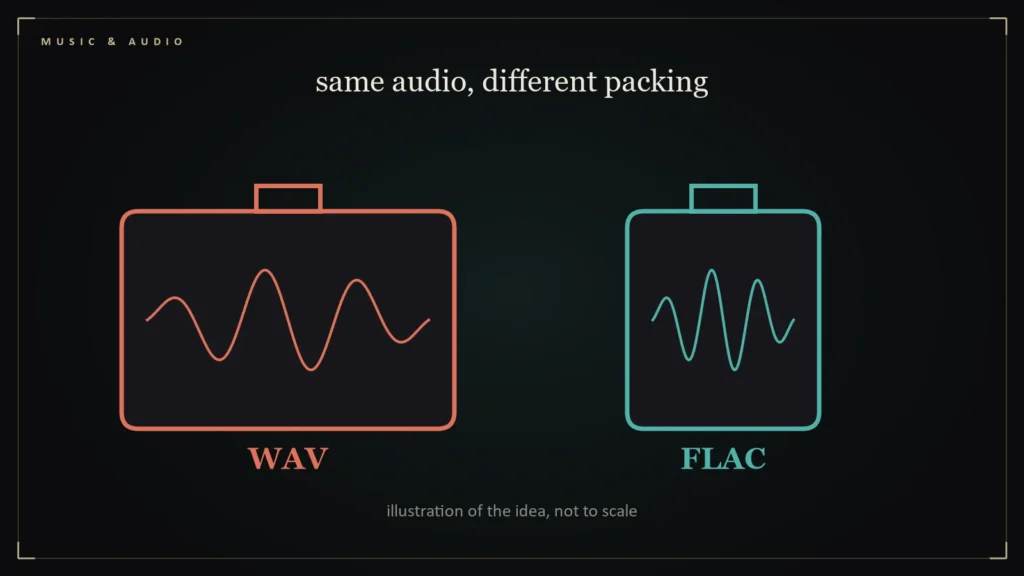
Think of a WAV as a suitcase with everything laid flat, and a FLAC as the same clothes vacuum-packed. Open either one at the destination and the shirts are identical. That is what lossless means: nothing is discarded, only rearranged more or less efficiently. (If the term is new, our guide to what lossless audio is starts from zero.)
There is one small asterisk. The FLAC project notes that FLAC is lossless for the audio data, but a WAV file can hold other kinds of data besides audio, and FLAC by default keeps only the audio unless you tell the encoder to preserve the rest [1]. For a music download, that distinction never matters. For archival work, it is worth knowing.
The size question
CD-quality stereo, 16-bit at 44.1 kHz, runs at about 1,411 kilobits per second when stored uncompressed, which works out to roughly 10.6 megabytes per minute. A 45-minute album is therefore close to half a gigabyte as a WAV. FLAC packs that down by an amount that depends on the music, since the FLAC documentation says the resulting bitrate is “roughly proportional to the amount of information in the original signal” [1]. A sparse acoustic recording shrinks a lot; a wall of distorted guitar shrinks less. In both cases the file you get is smaller than the WAV, and the sound is not.
Tags and artwork
This is where FLAC quietly wins. Its native tagging scheme, Vorbis comments, is the one system that FLAC implementations are required to support [1], so title, artist, album and track number tend to arrive intact. WAV’s tag support is patchy across players, which is why a folder of WAVs can look like “Track 01, Track 02” in an app that reads FLAC beautifully.
When WAV is still the right answer
- Audio editing and production. Some editors and DJ programs treat WAV as the default and FLAC as the exception.
- Older hardware. A few car stereos and legacy devices play WAV and ignore FLAC.
- Maximum compatibility. If the file has to open on a machine you do not control, WAV is the safest bet.
At Godlike you do not have to choose: every album is sold as lossless WAV and hi-res FLAC in one purchase, so the right file is always in your pocket. Browse the full discography or start with Thornheart STORMBOUND.
Questions readers ask
Is FLAC better than WAV?
For most listeners, yes: the sound is the same, and FLAC files are smaller and carry tags more reliably. WAV is better for editing software or devices that cannot read FLAC [1].
Does converting WAV to FLAC lose quality?
No, the audio data is preserved. By default FLAC keeps only the audio, not other data a WAV file might contain [1].
Which one should I download for CD quality?
Either. Both can hold CD-quality audio exactly; FLAC just stores it more efficiently.
References
- FLAC FAQ — Xiph.Org Foundation — https://xiph.org/flac/faq.html